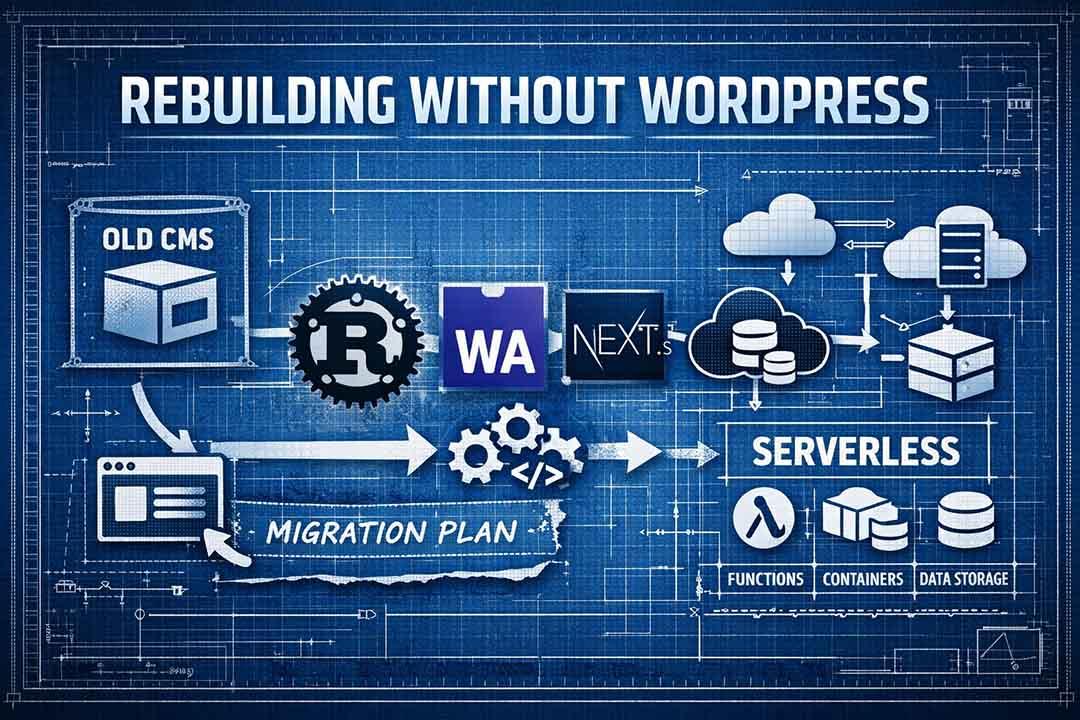
The End of an Era
WordPress is often highly regarded as one of the most popular and widely used website technologies. It is used on about 42% of websites, and my old site was one of them. It had a relatively friendly interface that managed access to its database, but it had plenty of issues along with it.
The biggest issue I had with it was the cost. It requires a constantly-running server, and for me, it costed $15/month. That's just for hosting, but when you add in all the extra premium features, it can cost a lot more. For instance, I used a site-builder called Oxygen that boasts super fast load times and a very customizable interface, and this costed about $200, one-time payment. Then if you want any additional premium features such as downloads on the product page, you have to pay a monthly fee for whatever plugins provides whichever premium features that you need.
If you wanted any custom functionalities that don't exist, you have to make them yourself. For simple instances of WordPress, you can edit your theme's PHP file. For more reusable features, you have to create your own WordPress plugin, and I've only ever seen them written with PHP. Some features won't work with older versions of WordPress, so if something isn't working then you should check your version and try to update it if it works in a different environment.
A "small" issue with WordPress that every site owner is forced to simply accept is that WordPress plugins can be malicious, and any one that you choose to install can read and modify your whole plugin's database. Any function that is defined by another WordPress plugin can be accessed from other WordPress plugins. You sort of don't have to worry about this for newly-developed plugins since your function names and class names were not made public before the previous versions of your installed plugins were released, so they seemingly have no way to access your new plugin's functions. Still, it makes it almost impossible to keep secrets away from other plugins, and any update to your installed plugins could theoretically target your website's code.
The Beginning of a New Era
I got tired of writing PHP code and using a GUI to modify my website's appearance. When you search for tutorials, you end up having to make a template (just for the header and footer to appear on every page), and then use pages that use that template. With a coded interface, you can code the layout of each page to have whatever you want all pages to have without having to specify that all the pages should have these things. Plus, if you find any code on the internet such as styles or React code or components, it is very easy to add it to the site.
The biggest customization option is not only what you can do with React/Typescript/Javascript, but what you can do with Rust or any other language that can be compiled to WebAssembly (WASM). On the homepage of this site, the animation in the background that seemingly goes on endlessly was written in Rust. If I was tasked with adding that animation to a WordPress site, I would not know what to do (surely there's a plugin for that... surely?).
Nothing beats WASM when it comes to computing in a web browser. Yes, other languages can compile to WASM, but Rust is extremely performant, easy to cross-compile, memory safe, and type-safe. If there is a serious issue with your Rust code, you will probably find out when you try to compile it. If not, then you can write tests to find the bugs. If you need to repeat the same sort of procedure for multiple tests or multiple functions, you can write a macro that defines tests or functions for you using custom parameters such as function names, types, or expressions.
Now that I have this new platform that I can change with ease, I can make modifications to the layout/design/functionality in well under an hour (depending on the depth of the modification). Since I am using GitHub, I can revert to an earlier state of a given page or of the whole website if I need to, while keeping all of the content in tact, stored in AWS S3. That brings us to our brand new stack.
The stack is kind of complicated to set up, but basically there is an S3 bucket that contains thumbnails, images, media, and content. The content directory of the bucket is copied into the website's source code at compile time. These files are baked into the website so that the only fetches that are performed when visiting a page are for the images or for the page itself: it does not fetch the page content file in S3, potentially reducing costs from S3 if those files are huge.
Then we use Rust AWS Lambda functions for updating the bucket's data, with a nifty GUI for adding new content. A CMS system, if you will. By the way, this page was created using this website, with no dedicated server or paid CMS or enhanced text editor. Just a little bit of tiptap.